
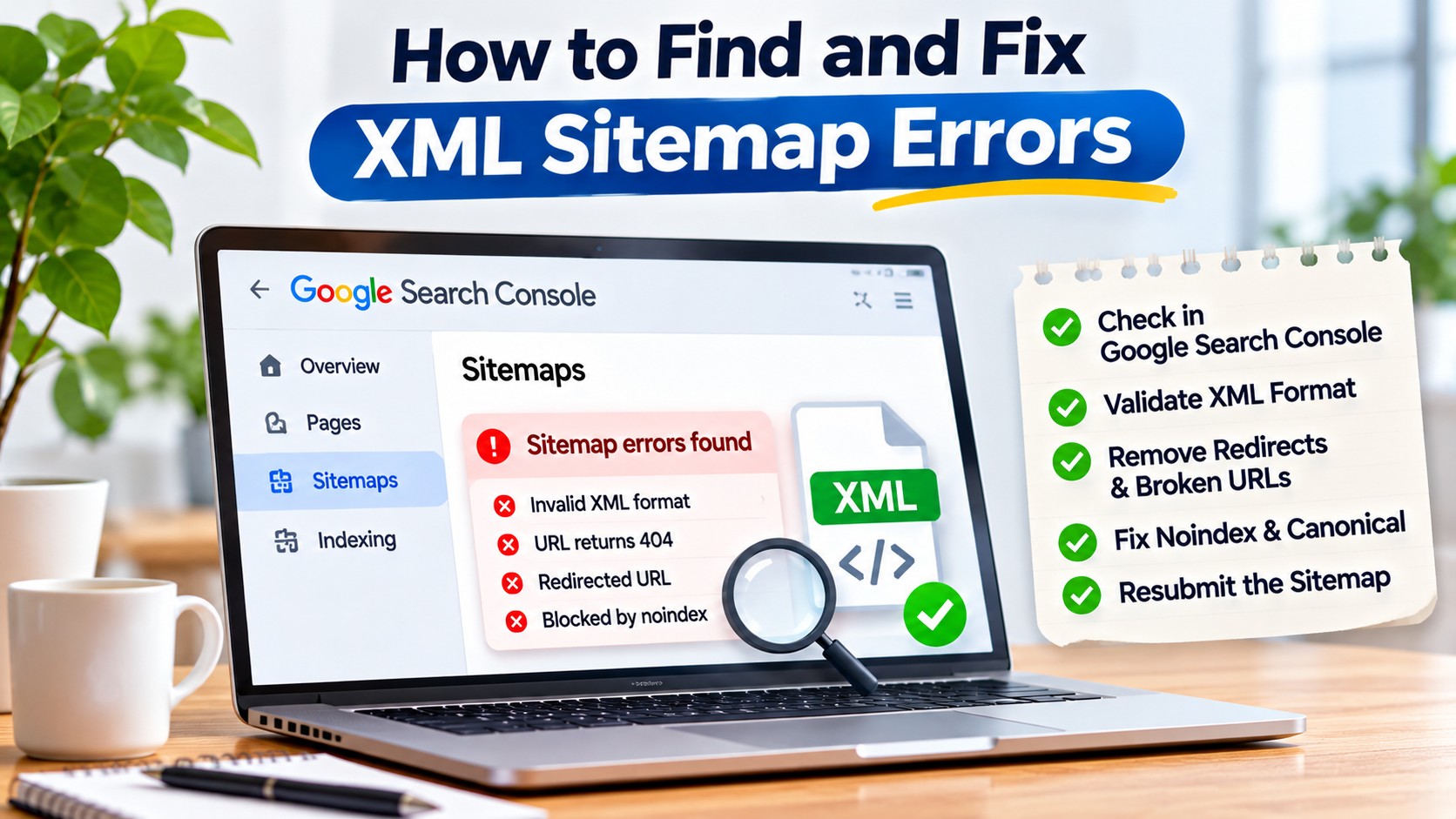
XML Sitemap Errors: How to Identify and Resolve Common Issues
An XML sitemap helps search engines discover important pages on your website. It provides a structured list of URLs that website owners want search engines to consider for crawling and indexing.
However, sitemap errors can make website maintenance more difficult and may prevent search engines from discovering some important URLs efficiently.
Learning how to identify and fix XML sitemap errors is an essential part of technical SEO. This guide explains common sitemap problems, how to detect them, and practical steps to resolve them.
What Is an XML Sitemap?
An XML sitemap is a machine-readable file containing URLs from your website. It helps search engines discover important content, particularly on large websites or websites with complex structures. A typical sitemap may include webpages, blog posts, products, or other indexable resources. However, submitting a sitemap does not guarantee that every listed URL will appear in Google Search. Sitemaps support discovery, while indexing remains a separate decision made by search engines.
1. Find XML Sitemap Errors in Google Search Console
Google Search Console provides useful information about submitted sitemaps.
To check your sitemap:
- Open Google Search Console.
- Select your website property.
- Navigate to Indexing → Sitemaps.
- Review submitted sitemap URLs and their status.
- Open any available error details.
Common issues include inaccessible sitemap files, parsing errors, and incorrect sitemap URLs. If a sitemap cannot be fetched, investigate its accessibility before making unrelated website changes.
2. Check Whether Your Sitemap Is Accessible
Your XML sitemap should return a successful HTTP response and contain valid XML. Open the sitemap URL directly in your browser. Common WordPress sitemap locations include:
/sitemap_index.xml/wp-sitemap.xml
The actual URL depends on your website configuration.
If the sitemap returns a 404, 403, or server error, check your SEO plugin settings, hosting configuration, and security restrictions. A sitemap blocked by a firewall or authentication system may be inaccessible to search engine crawlers.
3. Fix Invalid XML Formatting
XML files must follow specific formatting rules.
Missing closing tags, malformed characters, incorrect namespaces, or invalid document structures can prevent sitemap parsing.
Use an XML validator or sitemap testing tool to identify formatting problems.
If your sitemap is generated automatically by WordPress or an SEO plugin, avoid editing the XML manually unless necessary.
Instead, investigate plugin conflicts, caching problems, or server configuration issues.
Regenerating the sitemap after fixing the underlying problem may resolve formatting errors.
4. Remove Redirected and Broken URLs
An XML sitemap should generally contain canonical URLs that return successful responses. Avoid including outdated pages that redirect to other destinations.
For example, if an old article URL redirects to a new page, the sitemap should normally contain the final URL. Our guide on finding and fixing redirect chains for SEO explains how unnecessary redirects affect website accessibility.
Also remove broken URLs returning 404 or 410 responses unless those URLs are intentionally included for a specific, justified reason.
5. Review Noindex and Canonical URLs
Sitemaps should primarily contain pages you want search engines to index. Check whether listed URLs contain noindex directives. Also verify that canonical tags point to the intended preferred page versions.
For example, if a page declares another URL as canonical, review whether the original URL belongs in your sitemap. Consistent canonical signals and sitemap URLs help communicate your preferred website structure. For broader optimization guidance, explore our complete on-page SEO guide.
6. Investigate Sitemap Indexing Problems
A successfully processed sitemap does not mean Google will index every listed page.
Some URLs may appear under indexing exclusions even when the sitemap itself is valid.
For example, Google Search Console may report that a page was crawled but not indexed.
If this happens, review content quality, duplication, technical accessibility, and internal linking.
Our article about fixing crawled currently not indexed pages provides additional troubleshooting steps.
Remember that sitemap validation and page indexing are separate processes.
7. Check Sitemap Size and URL Limits
Google supports standard XML sitemap limits of 50,000 URLs or 50 MB uncompressed per sitemap.
Larger websites should divide URLs into multiple sitemap files and organize them using a sitemap index.
Ensure URLs are properly encoded and belong to the appropriate website configuration.
For multilingual websites, verify that alternate-language information follows supported sitemap formatting.
Avoid including unnecessary parameters, duplicate URLs, or irrelevant pages.
8. Regenerate and Resubmit Your Sitemap
After correcting sitemap errors, regenerate the file through your CMS or SEO plugin when necessary.
Clear relevant website caches to ensure the updated sitemap is accessible.
Then return to Google Search Console and submit the correct sitemap URL.
Google will process the sitemap when it revisits the file, but processing times may vary.
Avoid repeatedly submitting unchanged sitemaps.
9. Monitor Sitemap Health Regularly
Sitemap maintenance should be part of routine technical SEO monitoring. Review your sitemap after website migrations, major content updates, or changes to URL structures. You can use the GuruGiri SEO Audit Tool to review common website SEO issues and identify areas requiring further investigation. Businesses needing broader technical optimization can explore GuruGiri’s SEO and AI optimization service packages.
Final Thoughts
XML sitemap errors can interfere with efficient content discovery and create unnecessary technical SEO complications. Start by checking sitemap accessibility, validating XML formatting, and removing inappropriate URLs. Maintain consistent canonical signals, review indexing reports, and update your sitemap when website structures change.
For professional SEO assistance, visit the GuruGiri Fiverr Agency Profile to discuss technical SEO and website optimization requirements. A clean, regularly maintained sitemap helps search engines discover important content more efficiently.